
Build Your Career Profile Once.
Use It Across Your Job Search.
Create a structured Upward.jobs profile using your resume, skills, experience, portfolio, and career preferences—so job matching, applications, and career support can work from one consistent profile.
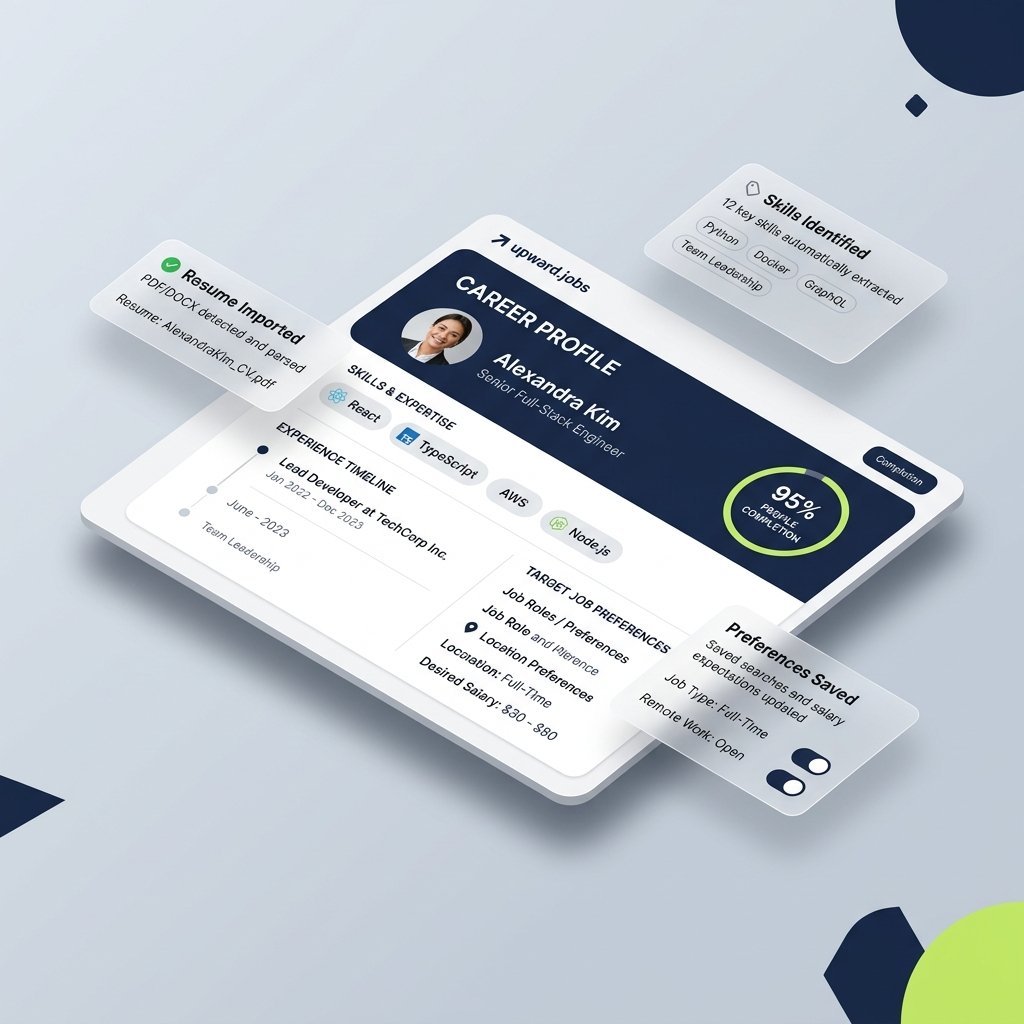
Why a Career Profile Goes Beyond a Static Resume
A resume is still important, but a structured career profile can carry additional information that helps organize matching, applications, and career support.
Repeated information entry across applications on disconnected employer portals.
Maintain reusable career information in one structured profile that powers your entire search.
Limited space for verified skills, live portfolio work, and nuanced target preferences.
Add skills, portfolio links, role preferences, and supporting career information in full depth.
A single document may not reflect every target opportunity, seniority level, or domain pivot.
Use structured information to support role-specific job matching, tailored applications, and interview preparation.
Limited privacy and preference controls depending on where the document is shared or uploaded.
Provide clear profile visibility, employer-blocking filters, and privacy controls supported by the platform.
Everything You Need to Build Your Career Profile
Start with the information you already have, then refine your profile around the roles and opportunities you want to pursue.
Start With Your Existing Resume
Upload an existing resume and use it as a starting point for your profile. Review extracted experience, skills, education, and other career information before confirming it.
Tell Us What You’re Looking For
Define the roles, work arrangements, locations, career level, and other preferences that matter to your search.
Show More Than a Job Title
Add technical skills, portfolio links, certifications, projects, GitHub work, and other relevant experience that helps provide better career context.
Stay in Control of Your Profile
Manage the information included in your profile and understand how it may be used within the Upward.jobs experience.
Your Career Information Deserves Clear Controls
Building a career profile may involve professional and personal information. Upward.jobs should make it clear what information is collected, how it supports the service, and what controls are available to you.
You Review Your Information
Review imported or entered career information before it becomes part of your profile.
Clear Profile Controls
Make profile and visibility choices through understandable settings where supported.
Purposeful Data Use
Career information should be used to support clearly explained platform functions.
Privacy Information Available
Provide direct access to the Privacy Policy and relevant information about data handling.

Built Around the Person Behind the Resume
Your experience is more than keywords on a document. A structured profile gives you one place to organize your experience, skills, projects, preferences, and career direction before moving into job matching.
Questions Before You Create Your Profile?
Here are clear answers about profile setup, resume information, privacy, and what happens next.
Yes. Creating your career profile, importing your resume, configuring your career preferences, and receiving personalized job matching is 100% free for job seekers—always.
No. You can jumpstart your setup by uploading an existing resume (PDF, Word, or text format). Our parsing engine extracts your employment history, technical competencies, and education into structured fields so you don't have to type everything from scratch.
Yes. Upward.jobs accepts standard PDF (.pdf), Microsoft Word (.docx), and plain text (.txt) files. You can also upload updated versions of your resume whenever your career experience grows.
Absolutely. You have complete editorial control over every parsed field. Before saving your profile, you can review, edit, refine, add, or remove job titles, bullet points, skills, and dates at any time.
For high-precision job matching, we recommend including your primary technical specializations (languages, frameworks, tools), target role titles, workplace preferences (Hybrid/On-site), and links to GitHub repositories, live demo projects, or cloud certifications.
Your preferences—such as desired compensation floor, location flexibility, company stage, and technical stack focus—serve as the core filter for our matching algorithms. This ensures you only receive opportunities aligned with your career goals.
You control your profile visibility settings at all times. You can keep your profile private, enable discovery for verified recruiters, require approval before sharing contact details, and block specific employer domains. Read our Privacy Policy for full details.
Yes. You can edit any profile section, update your target preferences, temporarily pause matching, or permanently delete your account and associated career data at any time from your account dashboard.